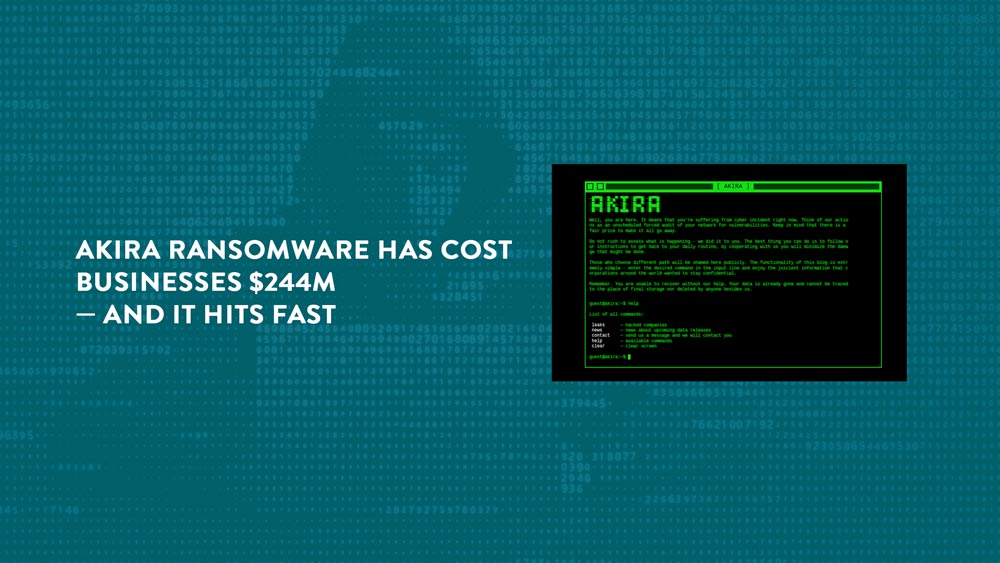
Akira Ransomware Has Cost Businesses $244M — and It Hits Fast
In the 2½ years since its emergence, the ransomware group Akira has collected about $244 million in ransomware payments.
The FBI noted the group primarily targets small and medium-sized businesses, focusing on the education, manufacturing, IT, health care, financial services and agriculture sectors.
In other words: Akira isn’t a theoretical threat; it’s actively hunting environments like yours.
There’s a reason the FBI is specifically educating U.S. businesses about this variant out of the more than 130 it’s currently investigating: The financial damage it has caused and the speed with which it carries out attacks.
But the bright side is there are ways to protect yourself.
What Does Akira Ransomware Do?
Akira is known for exploiting vulnerabilities in firewalls and VPN services that don’t have multifactor authentication configured.
Once the attackers gain access, they can steal data in just over two hours. Akira also encrypts the data, so the victimized organization cannot access it unless a ransom is paid.
The speed of the attack leaves little time for detection and response, which is why many victims don’t realize they’ve been compromised until their data is stolen and encrypted.
And it’s not just the ransomware costs that are a financial burden (though we’d recommend never paying the ransom because there is no guarantee the attackers will release your data). According to the FBI, the remediation costs often are significantly higher than the original ransom.
That’s why it’s crucial to prepare for these kinds of attacks.
The speed of the attack leaves little time for detection and response, which is why many victims don’t realize they’ve been compromised until their data is stolen and encrypted.
Practical Steps to Combat Akira Ransomware
There are three actions organizations should take to mitigate Akira cyberthreats:
- Patch known vulnerabilities: Not patching your hardware and software is essentially leaving the doors to your house unlocked. It gives the attacker easy access. It’s the same reason why you should always update your operating system, browser, phone and server.
- Enable and enforce phishing-resistant MFA: Passkeys are phishing resistant because they can’t be guessed or stolen. If a passkey isn’t available, just having MFA is better than nothing.
- Maintain regular backups of critical data: Ensure your backups are stored offline and regularly test the restoration process. A backup is no good if you can’t restore it properly.
Is Your Organization Prepared?
Ransomware can devastate your organization. Protect yourself against these attacks by taking a few key steps.
If you need help securing your IT environment, schedule a consultation. We’ve helped hundreds of clients improve their security posture, so they’re prepared the next time an attacker strikes.
Stay updated! Get tips and insights delivered to your inbox weekly by subscribing to our newsletter.