How Should You Implement MFA in 2026?
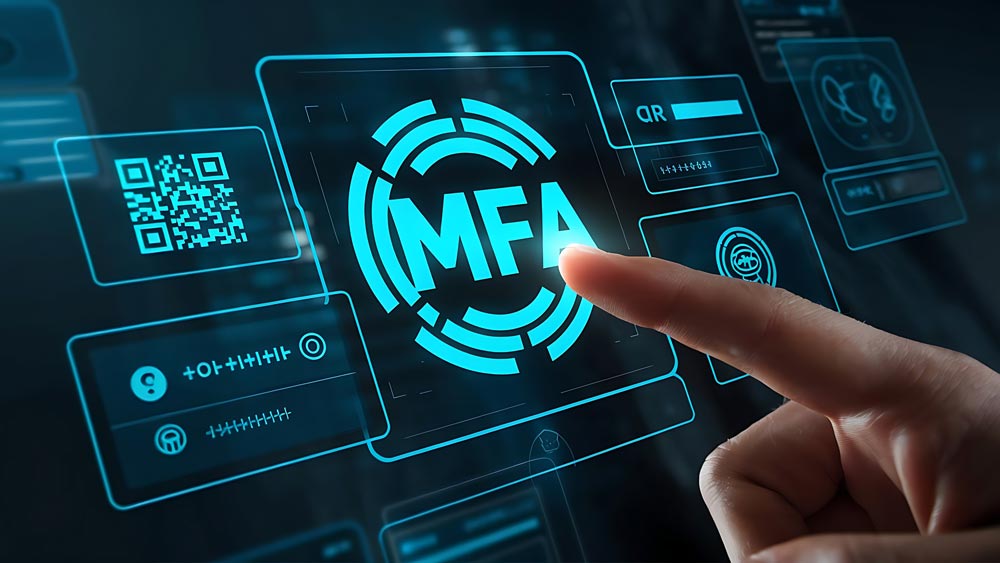
Did you know not all multifactor authentication methods are created equal?
While any MFA is better than no MFA at all — research by Microsoft shows that MFA can block more than 99.2% of account compromise attacks — some methods are more vulnerable to cyberattacks.
Passkeys, which are a form of multifactor authentication, are the future of security. Unfortunately, not all devices and applications currently support passkeys.
Until then, here are some tips to ensure your organization remains secure.
Enforce MFA Everywhere
All accounts should have MFA enforced — no exceptions. This should be a nonstarter in 2026.
Understandably, typing in a code every day on top of a username and password can be cumbersome. But it makes it harder for the bad guys to get what they want: access to your employees’ accounts.
Eliminate Text, Email and Voice MFA
Not all MFA methods provide the same level of protection. Text message, email and voice-based MFA are vulnerable to SIM swapping, social engineering and account takeover. These methods are better than nothing, but they should no longer be considered strong security controls in 2026.
Our preference is to disable SMS and email MFA entirely so employees cannot select them. In practice, some organizations keep them enabled as a fallback when an authenticator app is not possible. That is understandable, but those methods should never be the default.
Where possible, use technical controls to enforce stronger options rather than relying on user choice. If an easier option exists, it will get used. And if it is easier for your employees, it is also easier for attackers.
At the bare minimum, your organization should be using an authenticator app with number matching. This forces your employees to confirm the number displayed on screen, reducing accidental approvals that can occur when simply approving a login.
Cybersecurity is no longer just a tech issue; it’s a people issue. No MFA tool is 100% effective, and phishing training alone isn’t enough to protect your organization. You need the proper tools and training to safeguard your sensitive data.
Move to Phishing-resistant MFA
Earlier we said that “easier for users” often means easier for attackers. Passkeys are the exception.
Passkeys are one of the rare security improvements that are both more secure and easier to use. They are phishing-resistant by design because there is no password to remember, reuse or accidentally give away. There is nothing for an attacker to steal through a fake login page.
From the employee’s perspective, logging in becomes simpler. From the attacker’s perspective, it’s harder to break in.
On Windows 11 Pro, passkeys are protected by Windows Hello using a PIN or biometric factor tied directly to the device. Even if credentials are exposed elsewhere, they cannot be replayed or reused. Physical security keys like YubiKeys offer similar protection by requiring possession of a hardware device that is tied to the account.
Organizations should begin adopting passkeys now, starting with critical systems, so they are not scrambling later as password-based authentication continues to decline.
Enable MFA for Guest Users
Many breaches don’t start with your employees; they begin with guest users because they often are poorly managed or have weaker security policies.
Guest users have access to your Teams, SharePoint and other sensitive documents, but they aren’t as secure as regular employees. That lack of security makes it much easier for an attacker to steal your data.
Treat any guest account like you would a new employee and enforce MFA. When that guest account no longer needs access, remove it.
Stay Safe with Cybersecurity Tools and Training
Cybersecurity is no longer just a tech issue; it’s a people issue. No MFA tool is 100% effective, and phishing training alone isn’t enough to protect your organization. You need the proper tools and training to safeguard your sensitive data.
Let’s discuss ways to defend against today’s cybersecurity threats before you fall victim to a phishing or ransomware attack.
Stay updated! Get tips and insights delivered to your inbox weekly by subscribing to our newsletter.